
TryHackMe – Disk Analysis & Autopsy room
Objective:
In line with my previous reports, the objective was to expand on the provided questions to further identify and gain a deeper understanding of the subject. And this time, it is of disk analysis and attacker activity via Autopsy.
Question 1: What is the MD5 hash of the E01 image?
Used Autopsy’s ingest modules and verified hash output from the image metadata panel.
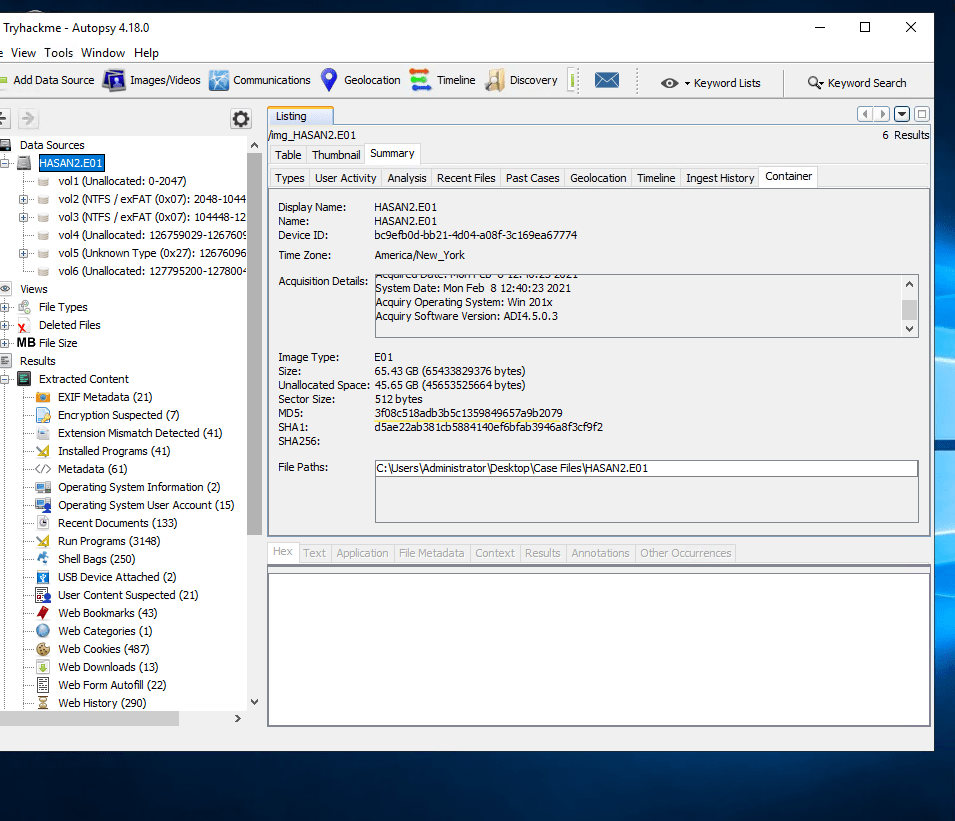
Question 2: What is the computer account name? Browsed the extracted content dropdown, navigated to the OS info.

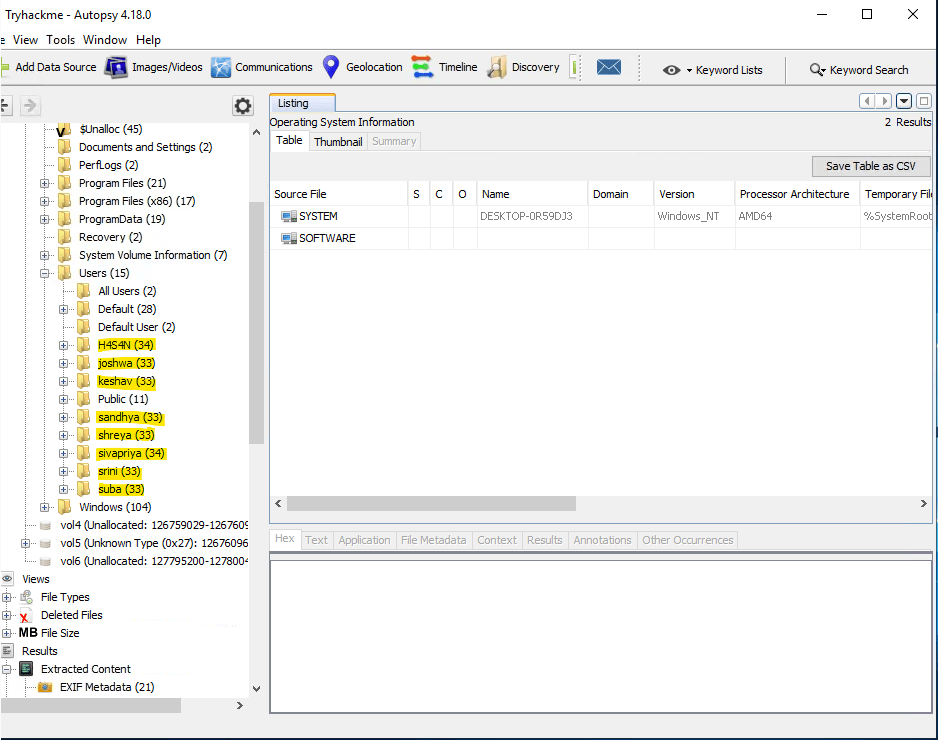
Question 3: List all the user accounts. (alphabetical order) Used the shown registry hive to enumerate all usernames.
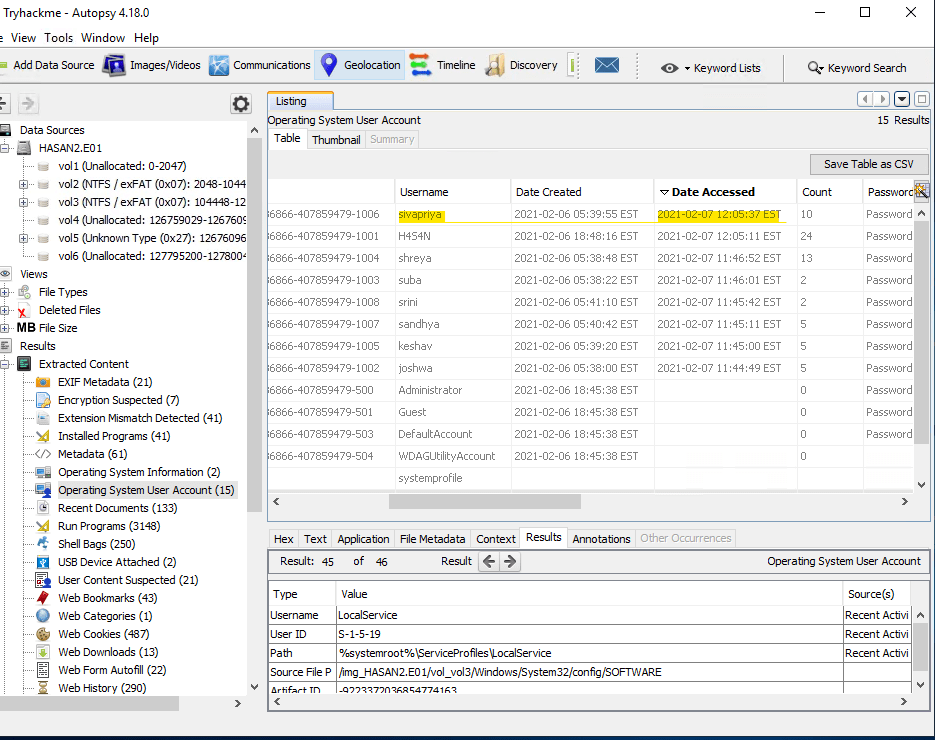
Question 4: Who was the last user to log into the computer? Simply found under the OS User Account.
Question 5: What was the IP address of the computer? This is when the lab gets tricky and it takes some searching and previous knowledge on where info is located. I could only find this information under the LOOK@LAN folder in the irunin.ini file. .ini files are configuration files.
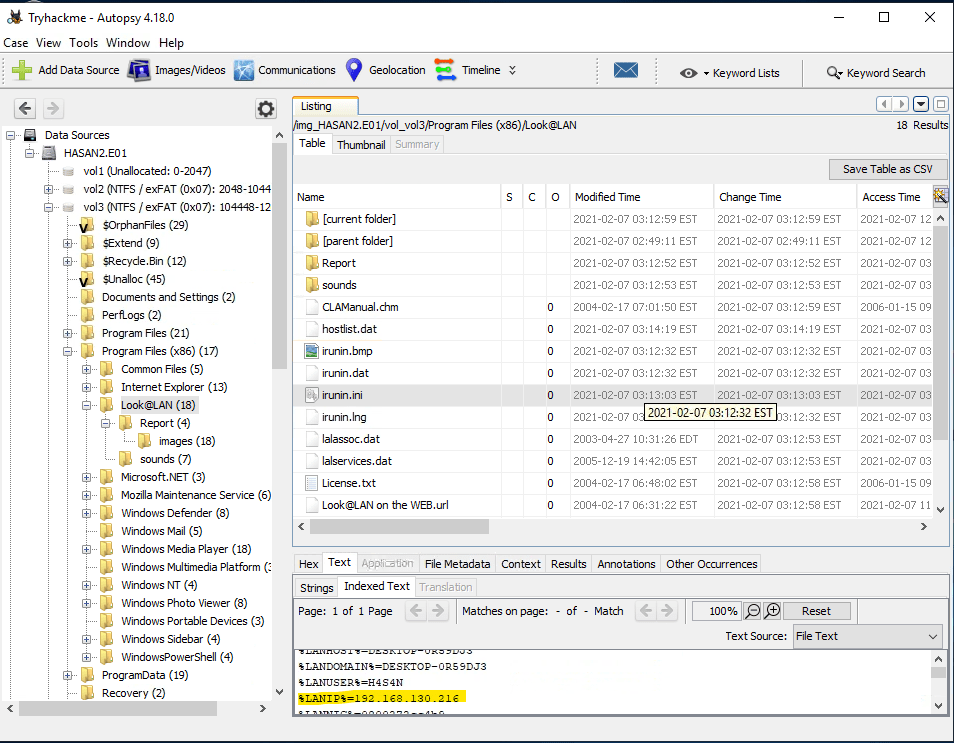
Question 6: What was the MAC address of the computer? (XX-XX-XX-XX-XX-XX) I could only find this information under the LOOK@LAN folder in the irunin.ini file as well.
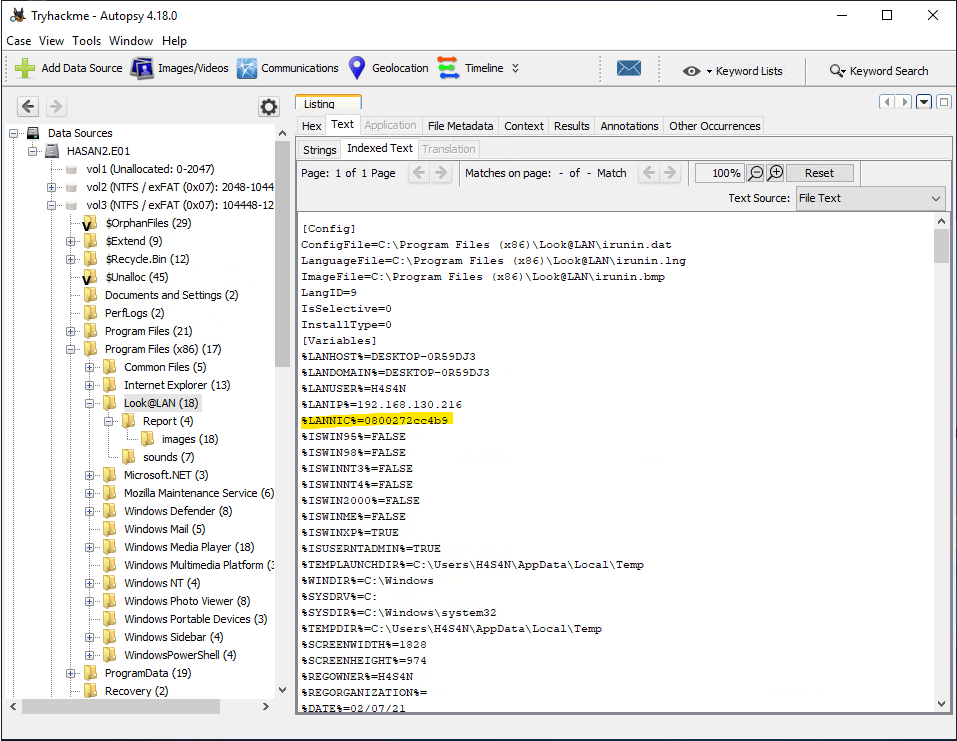
Question 7: What is the name of the network card on this computer? This is the question that I have been stuck on for over an hour. I have consulted 4 different write-ups and all of there methods they use are not working for me. I will return to this question – 08/09/2025.
In coming back to this TryHackMe room with a level head, I took a new approach. So instead of trying to view this information through Autopsy, I will just go directly to the folder via file explorer and I have finally found it!

Question 8: What is the name of the network monitoring tool? This answer was found through earlier questions. Look@LAN
Question 9: A user bookmarked a Google Maps location. What are the coordinates of the location? I found this quickly by searching through the web bookmarks as it is mentioned in the question where to find it.

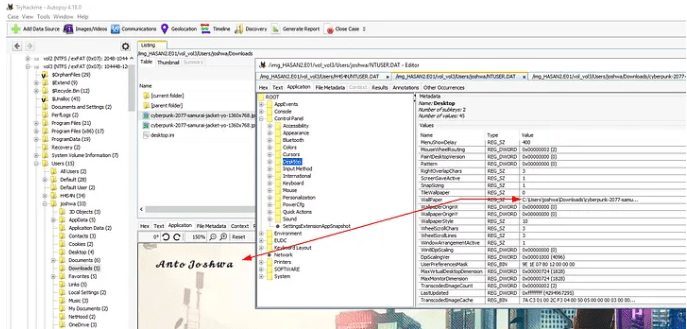
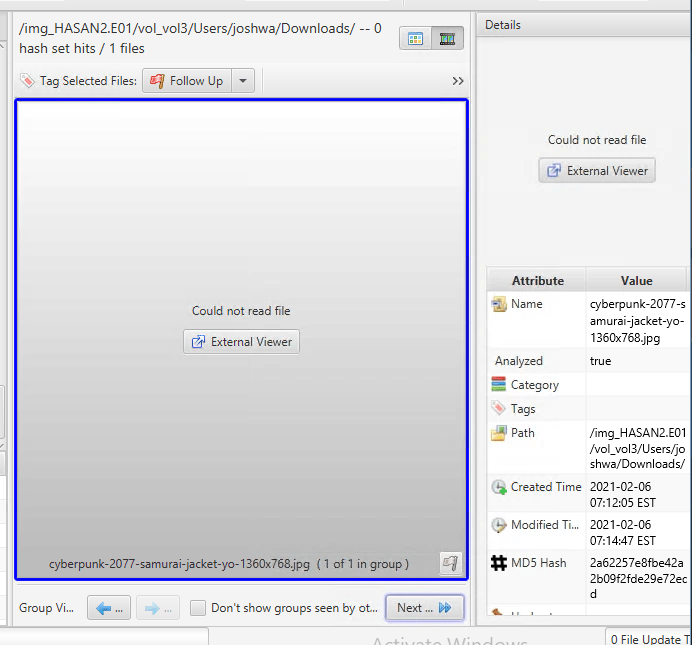
Question 10: A user has his full name printed on his desktop wallpaper. What is the user’s full name? Okay, it is now clear to me and I am for certain that this lab is not operation correctly and I confirmed this through this question — as well as the previous one I had issues with. According to every writeup for this room, they go through images/videos and are able to see them. For mine, it only gives me load errors. This YouTube walkthrough – TryHackMe: Disk Analysis & Autopsy Walkthrough – also confirms that is the room that is causing errors. This is okay, as I will still learn through others walkthroughs and submit the correct answers.
Here is the correct answer from a walkthrough.
Here is what I get using the same path — every time.
Question 11: A user had a file on her desktop. It had a flag but she changed the flag using PowerShell. What was the first flag?
These errors are occurring with most files on the disc, a support ticket will be raised.
This writeup was not a huge success due to technical issues, however it was a really good learning experience and I gained a lot of troubleshooting skills!
